Need a quick Etisalat balance check in the UAE? Below are the fastest ways to check prepaid credit, data balance, and (for postpaid) your bill details using USSD codes, the e& UAE app, and SMS—plus a few troubleshooting tips if the code doesn’t work.
Quick methods (choose one)
Use the option that matches your situation:
- USSD code (fastest): Works without internet (ideal for prepaid).
- e& UAE app: Best for detailed info (balance, data, add-ons, bill).
- SMS: Helpful when you want a text record of your remaining balance.
Method 1: Etisalat balance check using USSD codes
USSD works on almost any phone and doesn’t require data. Because USSD menus can differ by plan and can change over time, you may see slightly different prompts.
Prepaid main balance (credit) via USSD
Steps:
- Open your phone dialer.
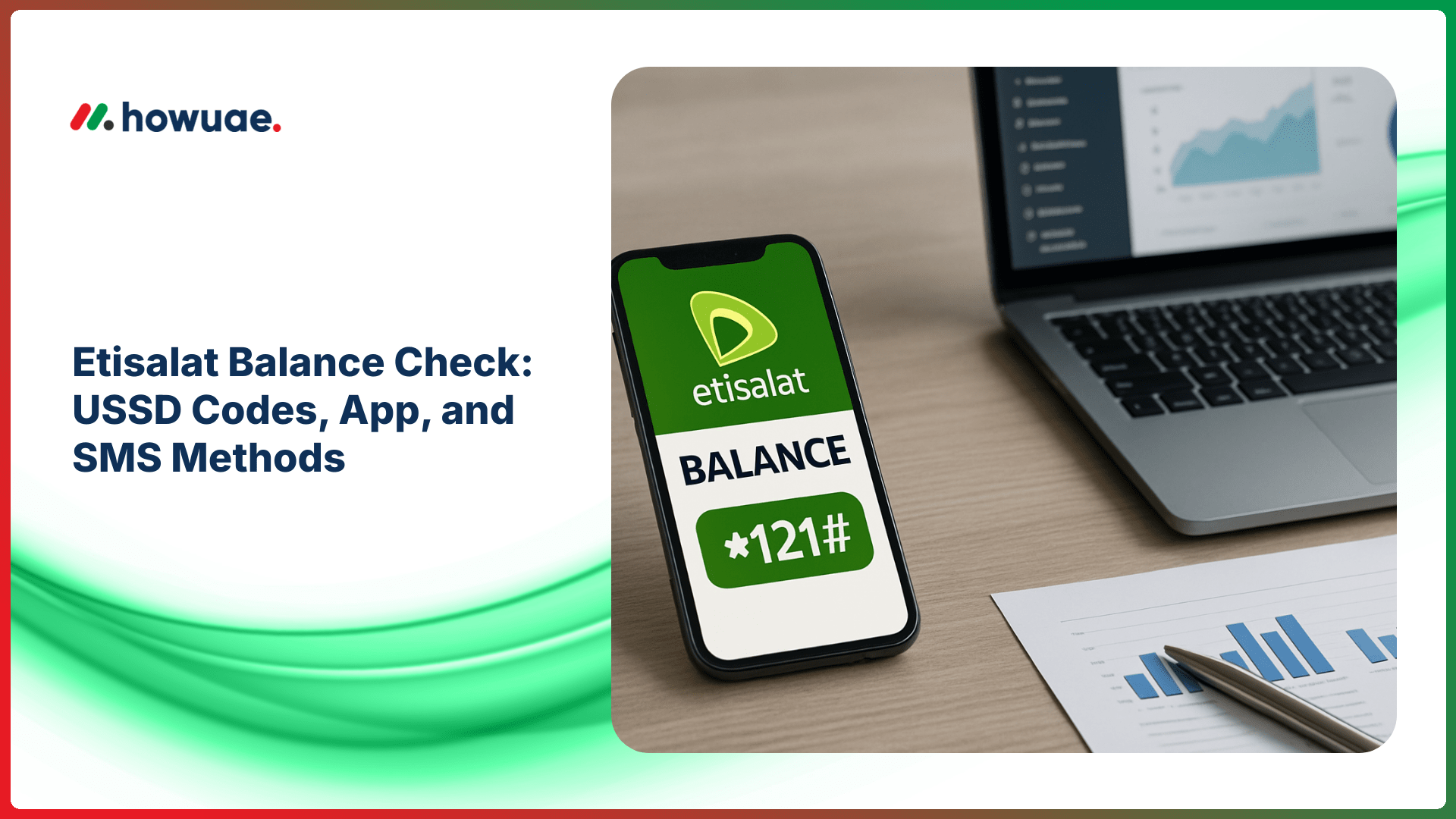
- Dial *121# and tap call.
- Follow the on-screen menu to view your remaining credit and validity (if shown).
If *121# doesn’t show the balance on your line, try dialing *101# to open the prepaid self-service menu and select the balance option.
Data balance via USSD
Steps:
- Dial *170# (commonly used to display data usage / remaining data for many plans).
- Review the on-screen message for remaining MB/GB and package validity.
On some packages, data balance may appear inside the *101# menu instead.
Tip: If you’re on roaming or using a corporate plan, USSD options can be restricted. In that case, use the app method below.
Method 2: Check balance in the e& UAE (Etisalat) app
The official app shows the most complete account details (credit, data, active add-ons, expiry/validity, and postpaid bill summaries). You can access it via the e& UAE consumer support pages and then choose the app for your device.
Steps (prepaid & postpaid)
- Install and open the e& UAE app.
- Sign in using your UAE mobile number (OTP verification may be required).
- Go to Account / My Plan / Usage (menu labels vary).
- View your balance, data remaining, and any validity details.
Method 3: Etisalat balance check by SMS
SMS keywords and shortcodes can differ by plan type. If your SIM supports SMS balance inquiry, you can usually text a keyword (for example, BAL or Balance) to the relevant short code shown in your plan information or app.
To avoid incorrect charges, confirm the supported SMS format inside the e& UAE app (Usage/Help) or the official support pages.
Method 4: Customer support (when codes don’t work)
If USSD and SMS aren’t responding, use official support channels to verify your line status and balance. For escalation or consumer guidance, you can also refer to TDRA consumer complaint and support services.
Common issues and fixes
“Connection problem or invalid MMI code”
- Make sure you dial the code exactly (including * and #).
- Check signal coverage and try again.
- Restart the phone or toggle airplane mode.
- Try an alternative menu like *101# if *121# fails.
Balance shows but data doesn’t
Some data add-ons display remaining data in the app rather than USSD. If you need to track other balances too, you may also find these guides useful: NOL card balance check (Dubai transport) and Hafilat card balance check (Abu Dhabi transport).
FAQs
What is the fastest Etisalat balance check method?
For most prepaid users, USSD (often *121#) is the quickest because it works without internet. For detailed breakdowns (data, add-ons, validity), the e& UAE app is usually best.
Does checking balance cost money?
USSD balance checks are typically free, but this can vary by plan or special services. If you suspect charges, confirm in the app or with official support.
Can I check Etisalat balance without the app?
Yes. Use USSD codes (like *121# or the *101# menu). SMS-based balance checks may also be available depending on your plan.
I track multiple balances—any other “balance check” guides?
If you also manage banking or payroll cards, you may want to see our FAB balance check guide for quick account/ATM/app options.
Summary
For a quick Etisalat balance check, start with USSD (commonly *121#). If you need detailed usage and package info, use the e& UAE app. When a code doesn’t work, switch to the app or contact official support to confirm the correct options for your plan.