
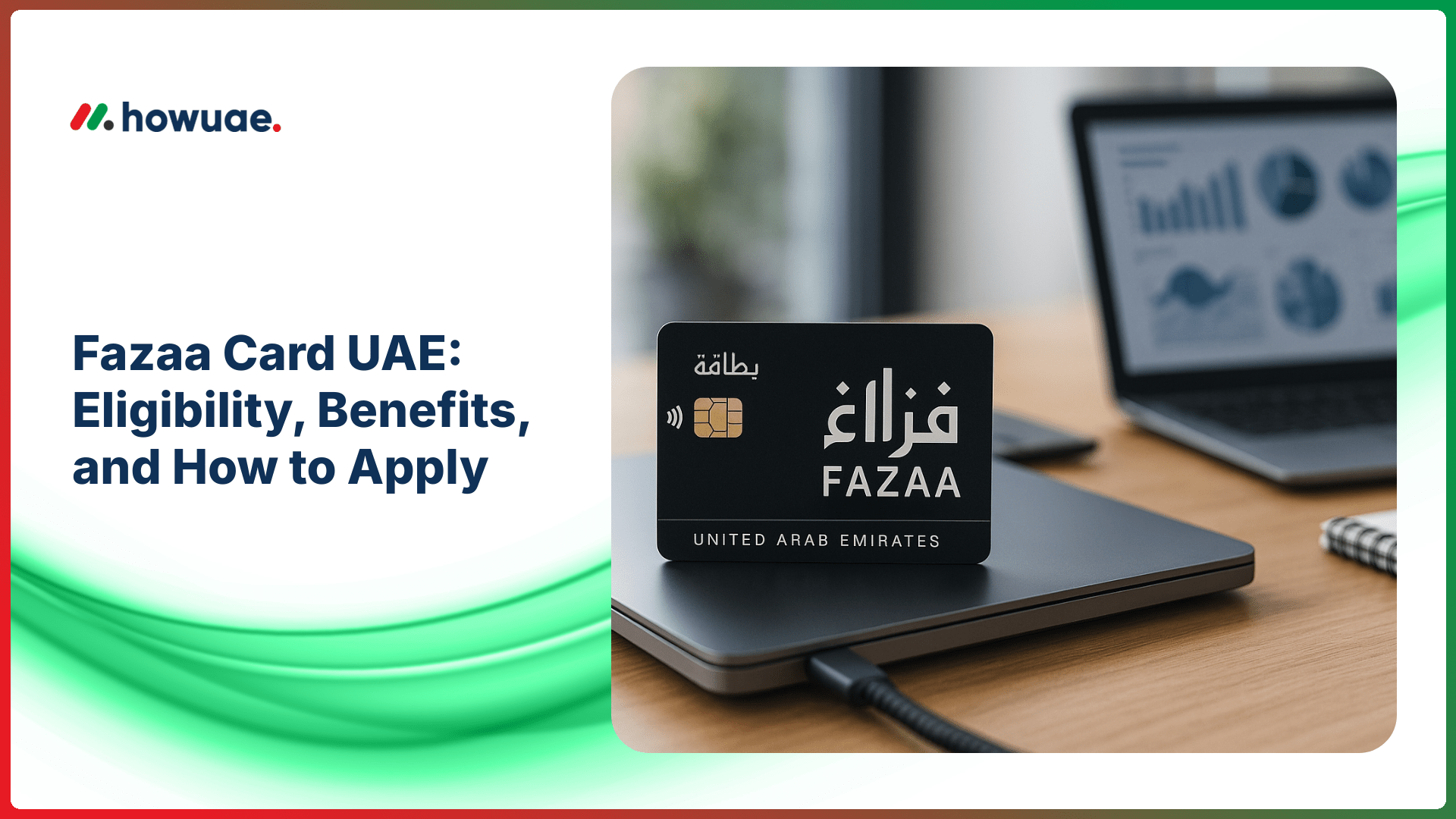
If you’re looking for a legitimate way to access discounts, offers, and partner deals across the Emirates, the Fazaa card UAE program is one of the most searched member-benefits options. This guide explains what it is, who can usually apply, what benefits you can expect, and the exact steps to submit your application in a way that stays useful year-round.
What Is the Fazaa Card in the UAE?
The Fazaa card is a membership benefits program in the UAE that provides eligible members with discounts and partner offers across categories such as retail, dining, travel, wellness, education, and services. The available offers can change over time based on partner campaigns, seasons, and membership type.
Because benefit networks and eligibility rules can be updated, always cross-check the latest information on the Fazaa official website or the official app/portal used for enrollment.
Key Benefits of the Fazaa Card UAE (What You Can Typically Get)
Benefits vary by membership tier and active partners, but the Fazaa card UAE commonly includes access to:
- Retail discounts on selected brands, categories, and outlets
- Dining offers at participating restaurants and cafes
- Travel and stay deals such as hotel packages and seasonal promotions
- Health and wellness offers (gyms, clinics, beauty, and lifestyle partners)
- Services savings from participating providers (varies by emirate)
Most discounts are redeemed by showing a digital membership card inside the app, scanning a QR code (if available), or applying a partner code as instructed by the offer page.
Tip: Before you plan a purchase around a discount, open the offer page inside your account and confirm the participating branch, validity dates, and any exclusions.
Fazaa Card UAE Eligibility (Who Can Apply?)
Eligibility can differ depending on your employer/sector and the current enrollment rules. In general, Fazaa membership is often linked to specific government entities, semi-government entities, and participating organizations, with access sometimes extended through corporate enrollment programs.
Common Eligibility Scenarios
- Employees of eligible organizations (e.g., certain government or partner entities)
- Members enrolled through an employer program where HR or your organization provides access
- Special categories that may be announced from time to time (subject to official rules)
If you are unsure whether you qualify, check the requirements shown during signup in the app/portal or confirm with your HR department. Keeping your residency and identity details up to date can also help prevent verification issues; for related UAE resources, you can browse our UAE info guides.
What You Usually Need Before Applying
The exact requirements depend on the membership pathway, but applicants are commonly asked for:
- Emirates ID details (number and/or images, depending on verification method)
- UAE mobile number for OTP verification
- Email address for account access and notifications
- Employment details (for employer-linked eligibility, if applicable)
For official identity and residency services used across many UAE platforms, you may also refer to ICP Smart Services for updated government service access points and guidance.
How to Apply for Fazaa Card UAE (Step-by-Step)
Application flows can change slightly depending on the latest app experience and your eligibility type, but the steps below reflect the typical process.
Step 1: Get the Official App / Access the Official Portal
Start by using the official Fazaa app or the official portal linked from the program’s website. Make sure you are using a genuine source to avoid scams or fake “membership” pages.
Step 2: Create Your Account
Register using your UAE mobile number and complete OTP verification. Add your email and set a secure password (or follow the app’s login method).
Step 3: Complete Profile and Verification
Enter the requested personal details, Emirates ID information, and any employment/organization details if your eligibility is organization-based. Upload documents only if the app prompts you to do so.
Step 4: Submit the Application
Review the information carefully and submit. If your application is tied to an employer program, approval may depend on internal verification. In other cases, approval can be automated if your data matches eligibility records.
Step 5: Receive Confirmation and Access Your Digital Card
Once approved, your digital membership card typically appears inside the app. You can then browse categories, save offers, and follow redemption instructions.
If you want a quick companion walkthrough focused only on signup actions, see this related guide on how to get Fazaa card in the UAE.
How to Use the Fazaa Card (Redeeming Offers Correctly)
To avoid rejected discounts at checkout, use these best practices:
- Open the exact offer page in the app before you pay (partners may require the active screen)
- Confirm branch eligibility (some deals are “Dubai only” or “online only”)
- Check minimum spend and exclusions (sale items, bundles, special menus, etc.)
- Ask how redemption works (QR scan, code, showing membership, or online link)
When you rely on member discounts for big purchases (travel, electronics, or packages), verify terms again on the day of purchase because partner campaigns can expire or change.
Common Issues (and How to Fix Them)
1) “Not Eligible” Message
This usually means your profile details don’t match the current eligible categories, or your organization isn’t included in the enrollment list. Double-check the data you entered, then confirm eligibility with your employer/HR if applicable.
2) OTP Not Received
Ensure your UAE number is active, has signal, and can receive SMS. If the issue persists, try again after a short wait or use an alternative login method if the app provides one.
3) Card Not Showing After Approval
Log out and log back in, update the app, and check your profile section. If it still doesn’t appear, contact official support through the app/website.
4) Discount Not Accepted at a Partner Store
Show the staff the offer’s terms (validity, branches, exclusions). If the offer page indicates eligibility but the store refuses, collect the outlet name, time, and offer screenshot and report it through official support for clarification.
Fazaa Card UAE FAQs
Is the Fazaa card free?
Some memberships are provided through eligible organizations or enrollment programs, while others may involve different access rules. The best way to confirm cost (if any), tier, and conditions is to check the details shown inside the official signup flow and your membership section after approval.
Can I use the Fazaa card outside the UAE?
Most offers are UAE-focused, but occasionally there may be travel-related deals or partner offers that apply to bookings made from the UAE. Always check the offer page for location and redemption rules.
Do I need a physical card?
In many cases, a digital card inside the app is enough. Some programs may offer physical cards depending on membership type or employer arrangement, but digital redemption is the most common method.
Can family members use my Fazaa membership?
This depends on the current membership terms and whether the program allows add-ons or family access. Check your membership rules in the app/portal to avoid misuse of discounts.
What if my Emirates ID changes or expires?
Keep your profile updated and follow the app’s instructions for re-verification if prompted. If you are renewing or updating identity details, ensure all linked accounts use the latest information to prevent verification errors.
Quick Checklist Before You Apply
- Confirm your eligibility path (organization-based or other approved category)
- Use only the official app/portal for registration
- Prepare your Emirates ID details and active UAE phone number
- Verify redemption rules before visiting a partner outlet
For more member-benefits and practical living resources, you can also explore the main HowUAE UAE guides hub, where we regularly cover everyday services and step-by-step processes.


