
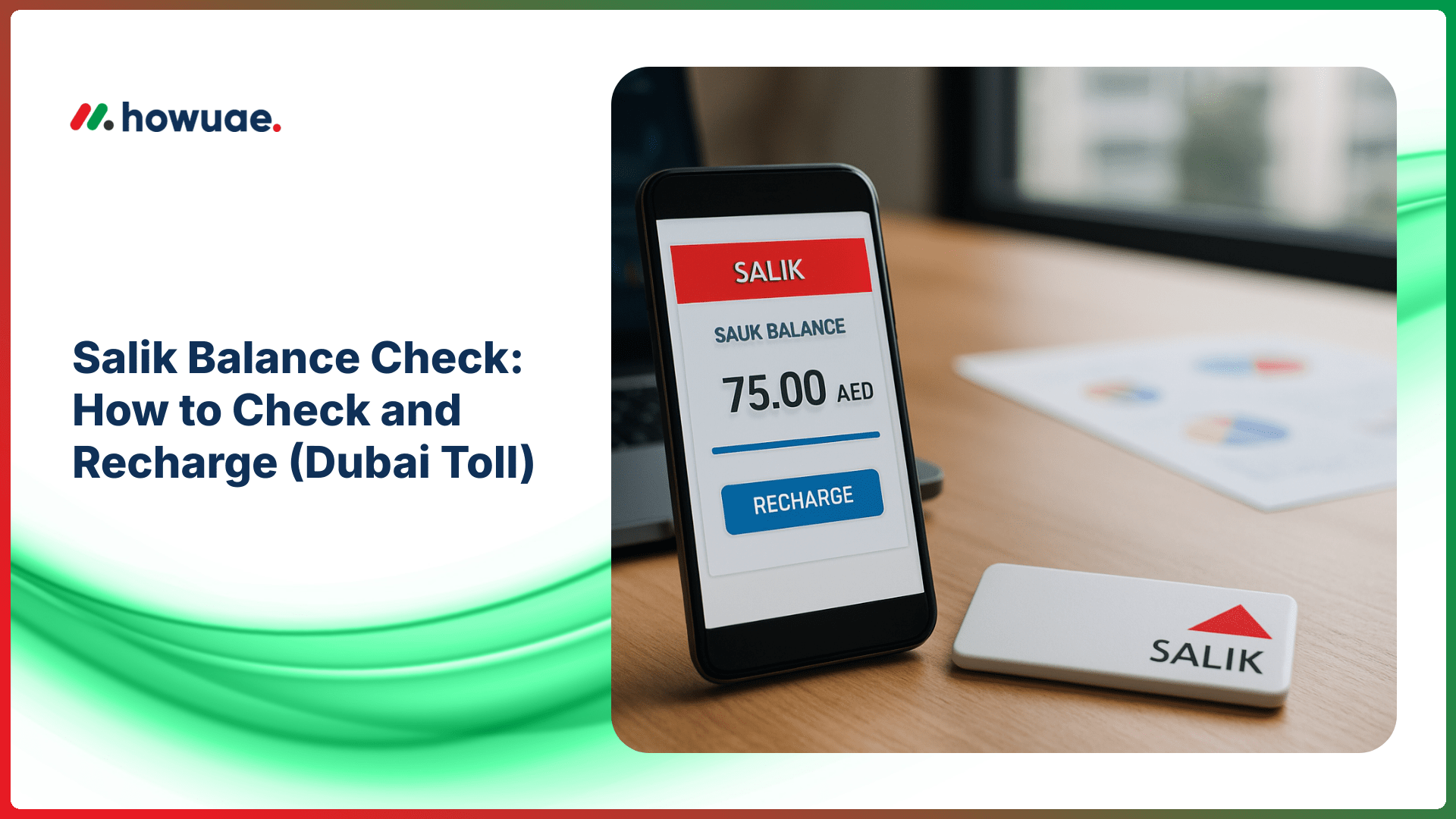
Doing a quick Salik balance check before you drive saves you from unexpected toll issues and helps you keep your Dubai commute smooth. In this guide, you’ll learn the easiest ways to check your Salik account balance and recharge using the Salik app, online portal, SMS, and in-person channels—plus what to do if your balance looks wrong or a top-up doesn’t reflect.
What is Salik and why your balance matters
Salik is Dubai’s electronic toll collection system. Each time you pass through a Salik gate, the toll is deducted from your Salik account. If your balance gets too low, you may face account issues and need to recharge quickly to continue using toll roads without disruption.
Your Salik account is linked to your vehicle plate and a Salik tag (sticker). In most cases, you’ll manage everything through your registered mobile number or account login.
What you need before checking or recharging
- Registered mobile number (the number linked to your Salik account)
- Vehicle plate details (sometimes needed for verification)
- Salik account number (if you have it) or login credentials
- Payment method (card, bank, or cash for in-person recharge)
Tip: If you manage multiple vehicles, keep a note of which plate numbers are linked to which Salik accounts to avoid recharging the wrong account.
How to do a Salik balance check (fast methods)
1) Check Salik balance via the official Salik website
The Salik portal is one of the most reliable ways to view your real-time balance and recent trips. Use the official Salik portal and services to log in and check:
- Current account balance
- Transaction history (toll gates passed and deductions)
- Recharge/top-up history
- Linked vehicles and tags
If you don’t remember your login, use the password reset option with your registered phone number or email.
2) Check Salik balance using the Salik mobile app
The Salik app is ideal if you want quick access on the road. After logging in, you can typically view your balance on the dashboard, review transactions, and recharge in a few taps.
For a broader set of Dubai government services related to transport and payments, you can also check what’s available via RTA Dubai digital services, where Salik services are commonly integrated across RTA channels.
3) Check Salik balance by SMS (if available for your account)
Some users prefer SMS because it’s quick and works without logging in. Availability and exact formatting can change, so if SMS options aren’t visible in your app/portal, check the Salik help section inside your account or the official Salik website for the latest supported SMS commands.
4) Check Salik balance through authorized service points
If you don’t want to use digital channels, you can check your balance through certain authorized service points (depending on availability), such as:
- RTA customer happiness centers
- Authorized kiosks/service desks that support Salik inquiries
Carry your vehicle plate details and registered mobile number for faster verification.
How to recharge Salik (top up your toll account)
Option A: Recharge Salik online (portal)
Online top-up is convenient and usually reflects quickly. In your Salik account, choose the recharge option, enter the amount, and pay using your preferred method. Always double-check the account/vehicle details before confirming.
Option B: Recharge using the Salik app
In the Salik app, go to Recharge/Top Up, select or enter the vehicle/account, choose an amount, and complete payment. The app may also offer features like:
- Saved cards for faster recharges
- Auto-recharge (if supported), which tops up when balance falls below a threshold
- Instant receipts and recharge confirmation
Option C: Recharge at kiosks and in-person channels
If you prefer cash or need help, you can recharge through supported kiosks or service centers where Salik top-ups are available. This is useful if:
- You don’t have online banking/card access
- You’re topping up for someone else (make sure you have the correct account/plate info)
- You need assistance with account verification
Option D: Recharge with third-party apps/aggregators
Some banking apps and UAE service apps may offer Salik recharge. If you use a third-party channel, ensure it’s reputable and verify that the recharge has posted inside your Salik transaction history.
How long does a Salik recharge take to reflect?
Many recharges reflect quickly, but delays can happen due to network issues, bank processing, or peak traffic. If your balance doesn’t update:
- Wait 10–30 minutes and refresh the app/portal
- Check your payment confirmation (receipt/transaction ID)
- Confirm you recharged the correct account/plate
- Review the Salik transaction history for pending updates
If the amount is deducted from your bank/card but not shown in Salik after a reasonable time, contact Salik support through the official portal and provide the payment reference.
Common Salik balance check issues (and fixes)
“I forgot my Salik login”
Use the password reset option on the portal/app. If you no longer have access to your registered mobile number, you may need to visit an authorized service center with Emirates ID and vehicle documents (requirements can vary).
“My balance looks lower than expected”
Check your transaction history for:
- Multiple gate passes in one day
- Vehicles linked to the same account
- Recent trips posting later (sometimes transactions update with a slight delay)
If you suspect an error, keep a record of the time you passed the gate and the route, then raise a query via official channels.
“I topped up but still got deducted / not updated”
First confirm the top-up is successful in your banking app and then in Salik’s recharge history. If there’s a mismatch, share the transaction ID with customer support.
Best practices to avoid low balance
- Enable auto-recharge (if available) to maintain a minimum balance automatically.
- Set a personal threshold (example: recharge when your balance falls below a certain amount).
- Review your trip history weekly to catch unexpected deductions early.
- Keep multiple recharge options (app + card + kiosk) so you’re not stuck in an emergency.
Related transport balance checks and top-ups (internal guides)
If you also use public transport, it helps to keep all your transport wallets topped up. You can use our guides to check balance for NOL card and NOL card top up so you’re covered for metro, buses, and trams as well.
FAQs about Salik balance check and recharge
What details are needed for a Salik balance check?
Usually, your Salik login (email/phone) and password are enough. In some cases, you may need your vehicle plate details or account number.
Can I recharge Salik for someone else?
Yes, as long as you have the correct Salik account information (such as the linked mobile number/account/plate details required by the channel). Always confirm the details to avoid topping up the wrong account.
Is there a minimum amount for Salik recharge?
Minimum top-up amounts can depend on the channel (app, portal, kiosk, or third-party). Check the recharge screen before confirming payment to see the allowed amounts.
What’s the best way to monitor toll spending?
Use the Salik portal/app transaction history to review toll deductions by date and gate. This is especially helpful if multiple drivers use the same vehicle or if you manage more than one car.
Does Salik work outside Dubai?
Salik is a Dubai toll system. Other emirates may have different road toll or transport payment systems, so confirm the applicable rules for your route.
Summary
A Salik balance check takes less than a minute using the Salik app or the official portal, and recharging is just as quick through online payments or authorized kiosks. Keep an eye on your balance, save your recharge receipts, and consider enabling auto-recharge to avoid interruptions while driving through Dubai toll gates.


