
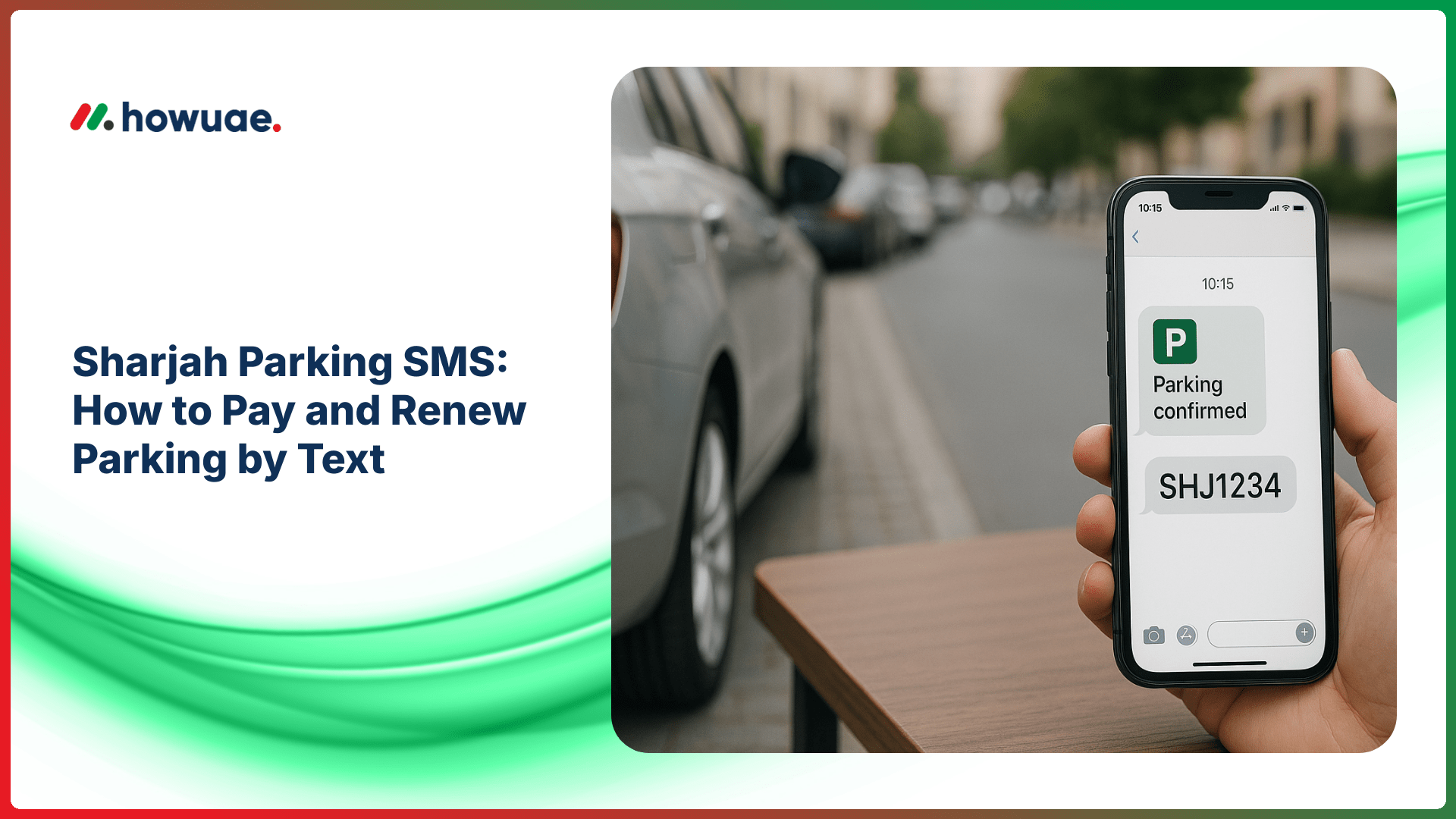
Using Sharjah parking SMS is one of the quickest ways to pay for public parking without downloading an app or visiting a machine—perfect when you’re in a hurry or don’t have coins. In this guide, you’ll learn the correct SMS format, how to find your zone code, how renewal works, and what to do if your message fails.
What is Sharjah Parking SMS (mParking)?
Sharjah’s SMS parking (often called mParking) lets you start and extend parking by sending a text message from your mobile number. After you send the correctly formatted SMS, you typically receive a confirmation message showing your plate details and the expiry time.
For official updates and transport services in the emirate, you can also refer to the Sharjah Roads & Transport Authority (SRTA) website.
Before You Start: Check the Zone Code and Rules
Two things matter most for a successful parking SMS in Sharjah:
- Zone code: This is displayed on the parking sign/board near your spot (often a short code printed clearly). Always use the exact zone shown where you parked.
- Paid parking hours: Rules can differ by area and day. If you’re unsure about operating hours, review the latest Sharjah parking timing details before you rely on SMS payment.
Sharjah Parking SMS Format (Template + Examples)
While the exact fields can vary by municipality settings and signage, the most common format follows this structure:
[Plate source/emirate] [Plate number] [Zone code] [Duration in hours]
Step-by-step: How to send the SMS
- Step 1: Open your phone’s Messages app.
- Step 2: In “To”, enter the parking SMS short code shown on the local parking sign (many areas use a dedicated short code for SMS parking).
- Step 3: Type the message using the exact format required on the sign (plate source, plate number, zone, and hours).
- Step 4: Send the SMS and wait for a confirmation reply.
- Step 5: Save the confirmation SMS until you leave; it contains your expiry time.
Example messages (use your real plate + zone)
Replace the placeholders below with your actual details shown on your car plate and the zone code on the sign:
- Example 1 (1 hour): SHJ 12345 1234 1
- Example 2 (2 hours): SHJ 12345 1234 2
- Example 3 (different plate source): DXB 67890 1234 1
Tip: “Plate source” is typically the emirate/authority printed on the plate (for example SHJ, DXB, AUH). If your plate has a letter category (some plates do), follow the exact instruction on the parking sign.
How to Renew / Extend Sharjah Parking by SMS
Renewal is usually done by sending another parking SMS before your current session expires. In most cases, you simply send the same format again with the additional duration you want (as allowed by the zone).
- If you want to add more time: Send a new SMS with the same plate + zone and the new duration.
- Always confirm: Wait for the renewal confirmation SMS. If you don’t receive it, the extension may not have been applied.
If your renewal fails, don’t assume you’re covered—use a backup method (parking machine/app) or re-check the zone code and SMS format on the sign.
Common Issues (and How to Fix Them)
1) No confirmation SMS received
This is commonly caused by network delays, low balance/credit, or an incorrect format. Wait a minute or two, then retry. If you still don’t receive a confirmation, pay using an alternative method.
2) “Invalid zone” or “Invalid format” error
Double-check the zone code printed on the sign nearest your parking bay. A single wrong digit or extra space can cause rejection. Also ensure you are using the correct plate source for your vehicle.
3) You parked in a different zone than you texted
Even if you’re only a street away, zones can change. Always use the exact zone where your car is parked. If you’re moving to another street, start a new session for that zone.
4) Attempting to park outside paid hours
Some areas are free during certain hours/days. Confirm the rules for your area using the signboard and the latest parking timing information (useful if you also park in nearby emirates) so you don’t accidentally pay when it’s not required—or worse, assume it’s free when it’s not.
Best Practices to Avoid Parking Fines
- Take a quick photo of the parking sign showing the zone code and timing rules.
- Set an alarm 10–15 minutes before expiry so you have time to renew.
- Don’t rely on drafts: Always ensure the SMS was sent and a confirmation was received.
- Use the correct vehicle details: A wrong digit in the plate number can invalidate the session.
For official municipal services and announcements, you may also check the Sharjah City Municipality portal.
FAQs: Sharjah Parking SMS
What number do I send the Sharjah parking SMS to?
The short code can be displayed on the parking sign in your area and may differ by service setup. Always follow the number shown on the official signboard at the parking location.
How do I find my Sharjah parking zone code?
The zone code is printed on the parking sign/board near your parking bay (sometimes also on nearby stickers or poles). Use the zone code from the closest sign to your exact spot.
Can I renew parking before it expires?
Yes, in most cases you can extend by sending another SMS before expiry (subject to zone rules and maximum duration). Always wait for the renewal confirmation message.
Do I need mobile data to pay parking by SMS?
No. SMS parking works through standard text messages, so it’s useful even if you don’t have mobile data available.
What if I entered the wrong plate number or zone?
If you suspect a mistake, don’t rely on that session. Start a new parking SMS with the correct details (or pay using another official method) to avoid a fine.
Is SMS parking available for all telecom operators?
Typically, SMS parking works on major UAE telecom networks, but availability and billing can depend on your plan and whether your line can send premium/short-code SMS. If your SMS fails repeatedly, try another payment option.


