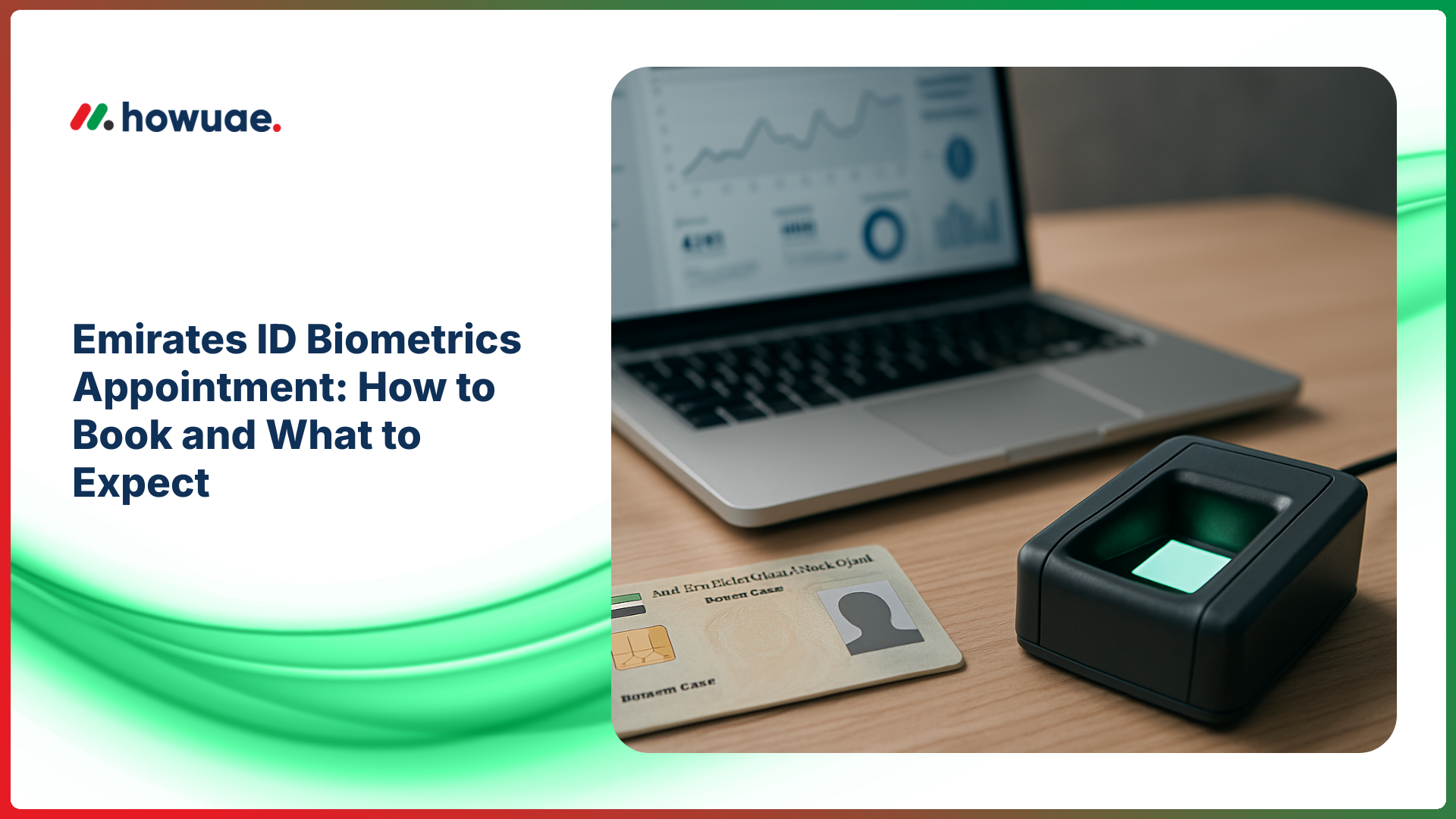
An Emirates ID biometrics appointment is the step where your fingerprints, photo, and (in some cases) signature are captured so your Emirates ID can be produced. If you have already submitted your residency/ID application, this guide explains how to book the appointment, what documents to bring, and what typically happens at the center—plus what to do afterwards to avoid delays.
What is an Emirates ID biometrics appointment?
Biometrics is the identity verification process used by UAE authorities to securely link you to your Emirates ID record. At the service center, staff usually capture:
- Fingerprints (digital scan)
- Facial photo (for the card)
- Signature (sometimes, depending on your profile and age)
This appointment is generally required for new applicants and for some renewals/updates (for example, if your biometrics are outdated or if the system requests a fresh capture).
Who needs to attend biometrics?
You may be asked to attend an Emirates ID biometrics appointment if you are:
- Applying for Emirates ID for the first time (new resident, new work visa, family visa, etc.)
- Renewing and your previous biometrics are not on file or need updating
- Updating personal details (in some cases) after changes in residency or records
- Issued an appointment after submitting your application through a typing center or online
Tip: Not every renewal requires a new biometric capture. If an appointment is generated in your application/receipt, you must attend.
How to book your Emirates ID biometrics appointment (step-by-step)
Appointments are typically created after your Emirates ID application is submitted. The exact flow can differ slightly depending on whether you apply online, via a typing center, or through an authorized service channel. The safest way to follow your official status and instructions is through the ICP Smart Services portal (Federal Authority for Identity, Citizenship, Customs & Port Security).
Step 1: Submit your Emirates ID application
Your biometrics slot is usually tied to an application. You may have submitted it through:
- An authorized typing center
- Your sponsor/PRO (company or family sponsor)
- ICP online services (when available for your case)
After submission, you typically receive a receipt or application summary showing your application number and appointment details (if already scheduled).
Step 2: Check whether an appointment is already assigned
Many applicants discover their date/time is automatically assigned (especially when submitted by a typing center). Look for fields like:
- Biometrics appointment date and time
- Center/location
- Reference/application number
If you want to monitor progress after submission, use your application details for Emirates ID tracking so you can see where your request stands before and after biometrics.
Step 3: Choose a service center and time slot (if rescheduling is allowed)
If the system permits changes, you can typically select a center closer to your emirate and choose an available time slot. Availability can be limited during peak periods (summer renewals, large hiring cycles, etc.).
If you cannot find a suitable slot, consider:
- Checking early morning for newly released slots
- Trying a nearby center in another area (if permitted)
- Asking your typing center/PRO to assist with rescheduling
What to bring to your biometrics appointment
Bring originals whenever possible and keep clear copies on your phone/email. Requirements can vary by case, but these are commonly requested:
- Passport (original)
- Visa/entry permit (eVisa print or residency page, depending on your stage)
- Emirates ID application receipt with application/appointment details
- Old Emirates ID (for renewals/updates)
- Medical fitness results (if your process stage requires it and it’s available)
- For minors: guardian’s Emirates ID and any supporting documents requested on the application
Practical tip: If your application is on hold due to unpaid penalties, resolve them first—an Emirates ID fine check can help you identify any outstanding amounts that could delay processing.
What happens during the Emirates ID biometrics appointment?
Most appointments are straightforward and take around 10–30 minutes (waiting time can add more). The typical flow looks like this:
1) Check-in and token
You will present your documents at reception or a self-service kiosk (if available). You may receive a token number and be asked to wait until called.
2) Identity verification
Staff confirm your details against your application record. If something doesn’t match (name spelling, passport number, nationality, date of birth), you may be asked to correct the application before biometrics can proceed.
3) Photo capture
A digital photo is taken for your Emirates ID. To avoid re-takes:
- Wear modest, neutral clothing
- Avoid heavy makeup or accessories that obscure your face
- Follow staff instructions for posture and head position
4) Fingerprint capture
Your fingerprints are scanned digitally. If you have very dry hands or worn fingerprints (common in certain jobs), ask staff if you should moisturize lightly before scanning (do not apply anything greasy right before capture).
5) Confirmation and exit
After capture, you may receive confirmation that biometrics are completed. Keep any receipt provided and save your application number—it’s essential for updates and support.
How much does the biometrics appointment cost?
Biometrics fees are usually included within the overall Emirates ID application charges, which depend on factors like validity period (for residents) and service channel. Additional charges may apply if you use:
- Typing center services
- Express/priority services (if offered and selected)
- Document corrections or re-issuance due to errors
For the most accurate fees, check the amount shown on your application/receipt and the official fee schedule on ICP services.
Common issues (and how to avoid delays)
Your appointment date passed or you missed it
If you missed the slot, reschedule as soon as possible (through the channel used to submit the application, or via your typing center/PRO). Waiting too long can cause the application to be delayed or require reprocessing.
Mismatch in personal details
Name spelling differences between passport, visa file, and application can block biometrics. Fix the data at the application stage (often through the typing center or sponsor’s PRO) before returning to the center.
No appointment shown
Sometimes the appointment is generated later in the process. Continue monitoring your status, and keep your application number handy for follow-ups.
Long processing after biometrics
Production and delivery timelines vary. After biometrics, the next step is often card printing and courier delivery. When your ID is issued, you can follow delivery updates using Emirates ID delivery tracking if your shipment is handled by Zajel.
After biometrics: what to do next
Once your biometrics are done, focus on two things:
- Track your application status until it shows approved/printed/issued (keep screenshots or receipts).
- Watch for delivery messages from the courier and ensure your phone number and address details are correct.
If you are changing jobs or leaving the country, keep your Emirates ID timeline in mind. If relevant to your situation, review the steps around visa cancellation and final settlement so your residency-related processes stay aligned.
Tips for a smooth visit
- Arrive early: Many centers are busiest mid-day.
- Carry originals: Originals reduce back-and-forth and rescheduling.
- Dress appropriately: Your photo is used on the ID card.
- Keep your phone reachable: Couriers and service messages often come by SMS.
- Double-check your application details: A small typo can cause big delays.
FAQs
How long does the Emirates ID biometrics appointment take?
The capture itself is usually quick (often 10–30 minutes), but total time depends on queues, center capacity, and whether your documents need verification.
Can I walk in without an appointment?
Some centers may accept limited walk-ins, but most applicants should follow the appointment assigned in the application or schedule/reschedule through official channels to avoid being turned away.
Do I need biometrics for Emirates ID renewal?
Not always. If your renewal application generates a biometrics appointment, you must attend. If no appointment is issued, your renewal may proceed without a new capture.
What if I’m renewing and my Emirates ID is expired?
Renew as soon as possible and attend biometrics if required. If you suspect penalties or blocks, completing an Emirates ID fine check can help you resolve issues before they slow down issuance.
How do I know when my Emirates ID is ready?
Your application status will move through stages such as approved/printed/issued, and then delivery is arranged. Use your application details for tracking, and check courier updates once dispatched.
Conclusion
An Emirates ID biometrics appointment is a key milestone in your Emirates ID process. Book or confirm your slot early, bring the right documents, and follow up after capture using official status checks and delivery tracking. Doing these steps on time is the simplest way to avoid delays and receive your Emirates ID smoothly.