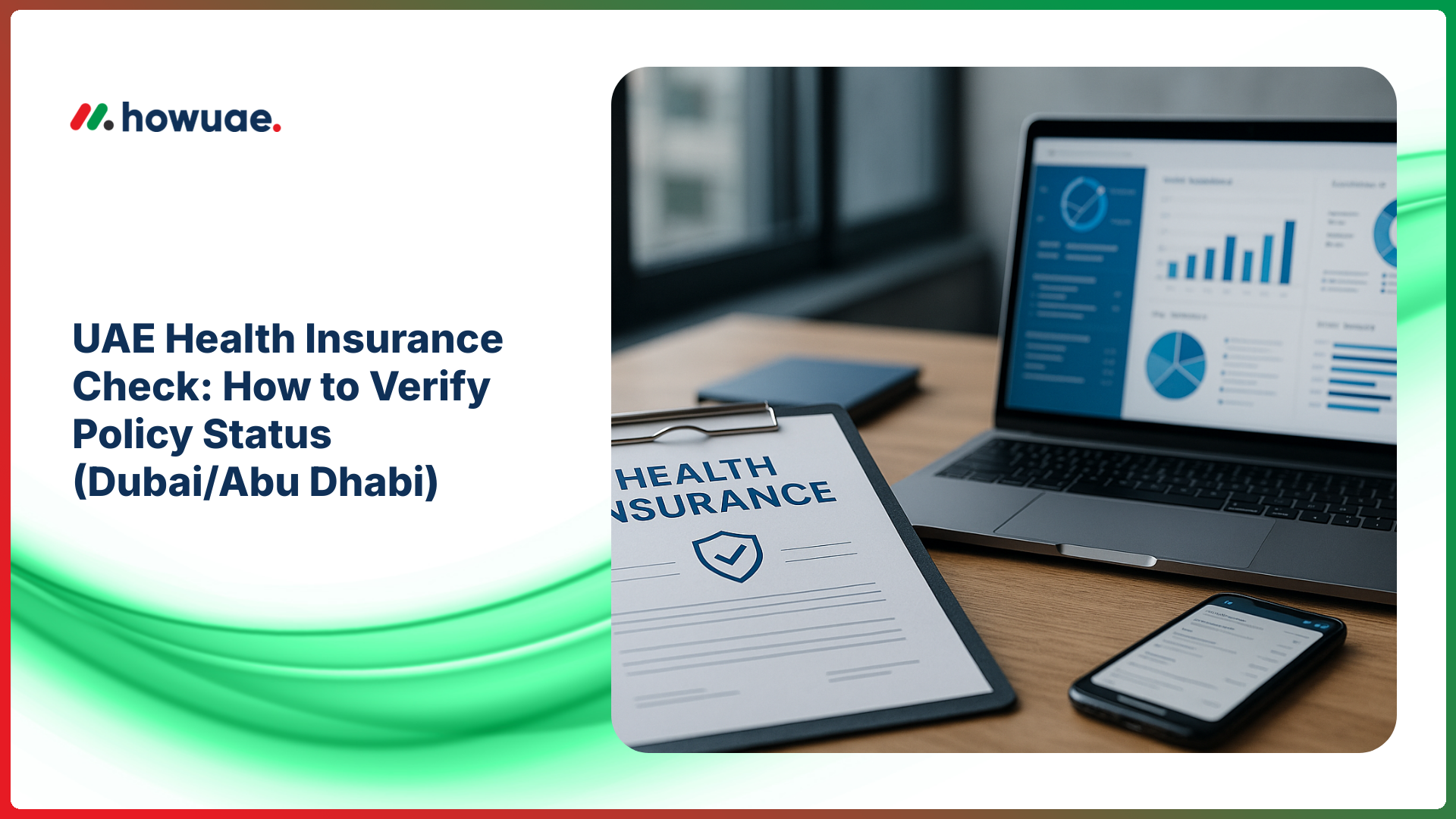
Doing a health insurance check UAE residents can rely on is not just “nice to have”—it can affect visa compliance, access to treatment, and whether a clinic can bill your insurer directly. This guide shows the safest ways to verify your policy status in Dubai and Abu Dhabi, what details you need, and what to do if your insurance is inactive.
What you need before you check your UAE health insurance status
Most portals and insurers will ask for one or more of the following. Having them ready makes your health insurance status check much faster.
- Emirates ID number (or a copy/photo of the card)
- Policy number (from your insurer, employer, or e-card)
- Member ID (sometimes different from the policy number)
- Date of birth and mobile number/email registered with the insurer
- Visa details if your policy is tied to your residency sponsorship (useful to know your UAE visa number)
Method 1 (Most reliable): Check directly with your insurer (all Emirates)
For an accurate UAE health insurance check, the insurer’s own portal/app is the best source because it shows real-time policy status, start/end dates, plan type, network, and (often) remaining benefits.
Steps to verify policy status on an insurer portal/app
- Find your insurer name on your insurance card/e-card (example: Daman, Orient, AXA/GIG, Oman, etc.).
- Open the insurer’s app/website and log in (or register) using your Emirates ID/member details.
- Locate “My Policy” / “Member” / “E-card” section.
- Confirm: policy is Active, the effective date, expiry date, and your network.
- Download the e-card or take a screenshot for clinic visits.
If you cannot register, contact your insurer’s support and ask them to confirm policy status and the member ID linked to your Emirates ID. This is common when the employer’s email/phone is registered instead of yours.
Method 2: Dubai (DHA) policy verification (when applicable)
In Dubai, health insurance is regulated under Dubai’s system, and your insurer/employer typically provides proof of coverage. If you need official Dubai authority information or guidance, start with the Dubai Health Authority (DHA) website and look for insurance-related services and support channels.
What to confirm for Dubai
- Policy is active (not cancelled or expired)
- Category/plan level (basic vs enhanced plans depending on your arrangement)
- Network and clinic/hospital eligibility (important for cashless treatment)
- Dependents (spouse/children) are correctly listed if sponsored
If you are changing jobs or ending sponsorship, your coverage may change around cancellation and new visa processing. Keep your records aligned with your residency steps (see visa cancellation and final settlement guidance).
Method 3: Abu Dhabi (Department of Health) checks and insurer confirmation
In Abu Dhabi, the health insurance regulator is the Department of Health. For official references, service updates, or guidance, use the Department of Health – Abu Dhabi website, and verify active coverage through your insurer (for many residents, this is done through the insurer’s member portal/app).
If your insurer is Daman (common in Abu Dhabi)
You can usually verify coverage via the Daman website and member services (after login/registration). Confirm your policy status, validity dates, and network before booking appointments.
Method 4: Check using your insurance card/e-card and clinic pre-approval
Even without logging into portals, you can often do a quick health insurance check UAE clinics rely on by using your insurance card/e-card:
- Insurance card/e-card: shows insurer, policy number, member ID, and validity dates (sometimes month/year only).
- Clinic/hospital reception: can run an eligibility check in their system using your Emirates ID/member ID before consultation.
- Approval/SMS updates: for certain tests/procedures, insurers send approval messages that indirectly confirm active coverage.
Compliance note: A printed card is not always proof of active coverage. Policies can be cancelled, suspended, or replaced. Always confirm “Active” status on the insurer portal or via insurer support—especially before planned procedures.
Method 5: Verify coverage during visa/employment changes (high-risk moments)
Coverage issues commonly happen during job switches, visa cancellations, and sponsor changes. If you’re in a transition period, verify both your residency status and insurance status to avoid gaps. If needed, confirm your immigration status using official channels and follow reliable visa validity check steps while you coordinate insurance with your employer/insurer.
Common scenarios that cause insurance to show “inactive”
- Employer cancelled the group policy after resignation/termination.
- New policy exists but is not yet activated or your Emirates ID is not mapped correctly.
- Dependent coverage was removed or not renewed.
- Insurer records have your old passport/visa details and need an update.
What to do if your health insurance is expired, cancelled, or not found
If your health insurance check UAE search returns “not found” or shows expired coverage, act quickly:
- Contact HR (if insured through employer): ask for policy number, member ID, insurer name, and activation/renewal date.
- Call the insurer: request confirmation of current status and whether a new policy is pending activation.
- Update your details: if you renewed passport/visa or changed mobile number, ask the insurer to update your profile.
- Ask for an e-card: an updated e-card is often the fastest proof for clinics.
FAQs: UAE Health Insurance Check (Dubai/Abu Dhabi)
Can I do a health insurance check in the UAE using Emirates ID?
Yes. Many insurers and healthcare providers can locate your membership using your Emirates ID number. However, the exact method depends on your insurer and Emirate; the most reliable confirmation is still your insurer portal/app or insurer support.
How do I know if my policy is “active” or only “issued”?
“Issued” may mean the policy document exists, but “Active” indicates it is currently valid for eligibility/cashless treatment. Always check the effective date, expiry date, and status field.
How long does it take for a renewed policy to reflect in the system?
Timelines vary by insurer and employer processes. Some renewals show immediately after payment/issuance, while others take 24–72 hours to sync across systems. If you need urgent care, request insurer confirmation by email/SMS.
How can I check dependent insurance (spouse/children) in Dubai or Abu Dhabi?
Log in to the insurer portal and review the dependents list under your policy. If a dependent is missing, ask HR/insurer to confirm whether they are included and to correct Emirates ID mapping for the dependent.
Is health insurance mandatory in Dubai and Abu Dhabi?
Requirements are enforced through local regulations and sponsorship rules, and compliance can affect access to services and residency processes. For the latest official guidance for your Emirate, consult the relevant authority (for example, DHA for Dubai and DoH for Abu Dhabi) and your sponsor/employer.
Quick checklist for a successful UAE health insurance check
- Confirm insurer name + policy number + member ID.
- Check policy Status: Active and validity dates.
- Confirm network (which hospitals/clinics are covered).
- Verify dependents are included (if applicable).
- During job/visa changes, re-check status to avoid gaps.
If you keep your Emirates ID details, insurer login, and e-card saved, future UAE health insurance checks take only a minute—and can prevent costly last-minute surprises at the clinic.