If you’re trying to confirm which internet bundle is active, when it renews, or which add-on was charged recently, the fastest method is an Etisalat data package check (or the same steps for du) using the operator’s official app and account history screens. This guide covers app, web, USSD, SMS, and customer-support options so you can verify active packs and subscription history on both networks.
Best option (most detailed history): My Etisalat UAE app / du app → look for Add-ons, Usage, Transactions, or Bill/Charges.
What you can check (and where it usually appears)
Depending on whether your line is prepaid or postpaid, your package details may show under slightly different labels. Typically, you can check:
- Active data package: plan name, remaining data, and expiry/renewal date.
- Add-ons and boosters: any extra GB bundles you purchased.
- Auto-renewal status: whether the package renews automatically.
- Subscription history: recent charges for data bundles, add-ons, or recurring packs (best seen in transaction/bill history).
Etisalat: How to check data packages and subscription history
Method 1: My Etisalat UAE app (recommended)
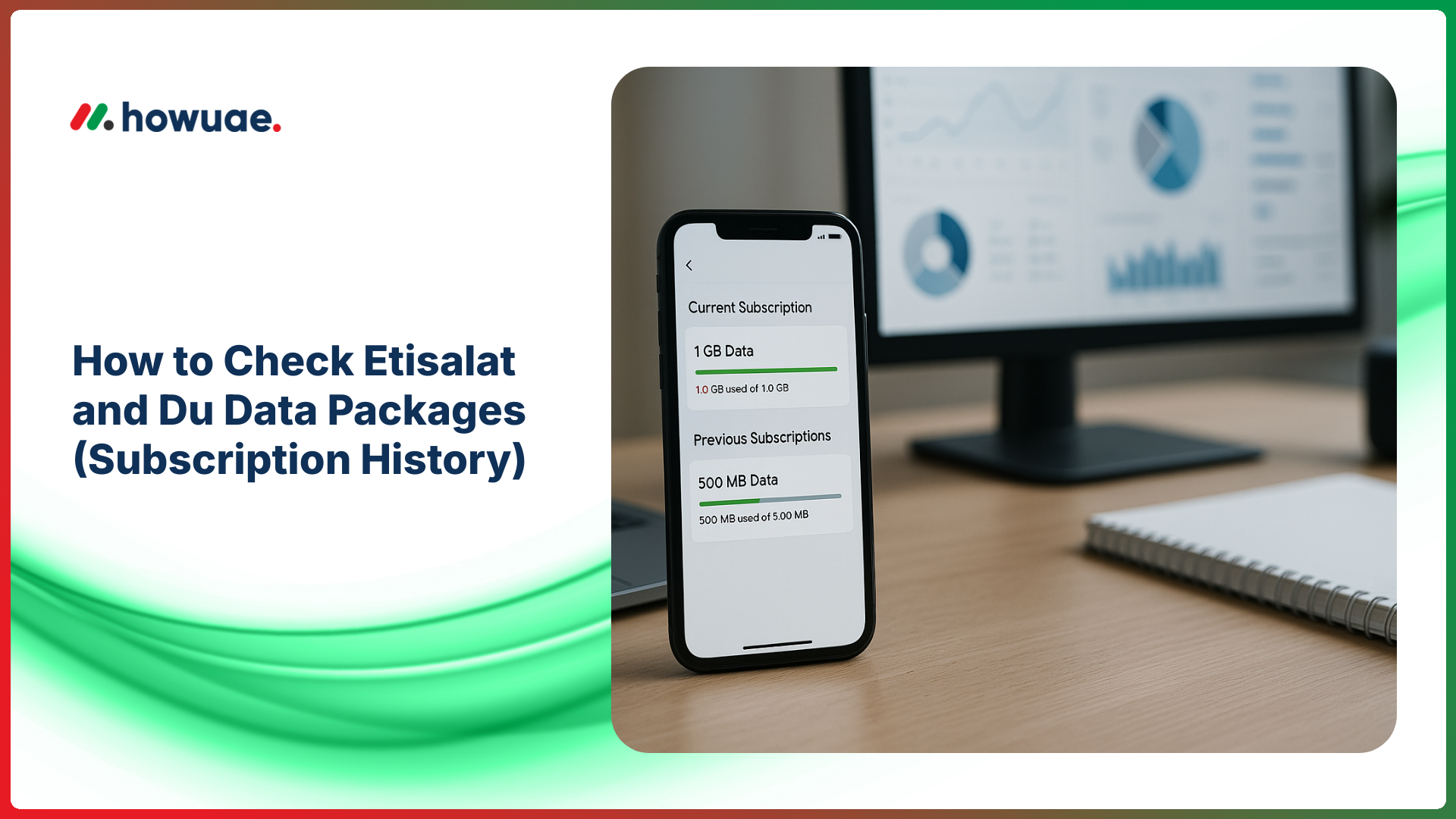
The app is usually the most reliable way to see your current bundle and a record of recent add-on purchases/charges. You can download/use the official My Etisalat UAE app and then follow these steps:
- Log in with your Etisalat mobile number (OTP verification may be required).
- Open the Home or Usage area to view remaining data and validity.
- Go to Add-ons, Manage Add-ons, or Bundles to see active subscriptions and renewal settings.
- For subscription history, look for Transactions, Payments/History, My Orders, or Bill/Charges (label differs by account type).
If you only need remaining credit along with the data pack status, you can also use this related guide for an Etisalat balance check.
Method 2: e& / Etisalat website account (web portal)
If you prefer a browser, sign in to your Etisalat account on the official Etisalat UAE website and check the sections typically named Usage, My Plan, Add-ons, or Billing/Charges. This is especially useful if you want to review postpaid bill line-items for data add-ons.
Method 3: USSD short codes (quick check without internet)
Etisalat provides USSD menus that can show remaining data, validity, and sometimes active bundles. Because USSD menus can change, use the operator-provided menu shown on your phone, and if the code you try doesn’t work, switch to the app/web method.
- Step 1: Open your dialer.
- Step 2: Dial the Etisalat USSD menu code for balance/usage (some users commonly use codes like *101# or *170#, but availability varies).
- Step 3: Follow on-screen prompts for Internet/Data, Usage, or Active bundles.
Method 4: SMS and customer support
If you cannot access the app and USSD isn’t showing details, Etisalat support can confirm active bundles and recent charges. You can call 101 (Etisalat customer care) and ask for:
- Active data package name and expiry
- Auto-renew status
- Last data bundle charge(s) / add-on purchase(s)
du: How to check data packages and subscription history
Method 1: du app (recommended)
The du app typically shows your remaining data, active add-ons, and history of purchases/charges. Use the official du website to access app and account support, then:
- Log in using your du number (OTP verification may be required).
- Check Usage to see remaining data and validity.
- Open Add-ons / Manage to view active packs and recurring subscriptions.
- For subscription history, open Transactions, My Orders, Payment history, or Bill details (naming varies).
Method 2: du self-care on web (browser login)
If you’re on a computer, log in to your du account via the web and review the sections for Usage, My Plan, Add-ons, and Billing to find package details and historical charges. For postpaid, the most complete record is usually inside the monthly bill breakdown.
Method 3: USSD short codes (quick check)
du also offers USSD menus for checking account/usage. USSD options can change, so rely on the menu presented on-screen and use the app for detailed history.
- Step 1: Open the dialer.
- Step 2: Dial the du USSD menu for account/usage (some users commonly use *135#, but availability varies).
- Step 3: Choose options like Internet, Usage, Active bundles, or Subscriptions.
Method 4: Customer support
If you need confirmation of subscriptions and charges, call 155 (du customer care) and ask them to verify your active data bundle and the last few data/add-on transactions.
How to find your “subscription history” (what to look for)
On both Etisalat and du, “subscription history” is rarely a single button labeled exactly that. Instead, search for these areas inside the app/portal:
- Transactions / History: shows bundle purchases, renewals, and top-ups (commonly for prepaid).
- Billing / Charges: shows line-items for add-ons and recurring services (commonly for postpaid).
- Orders / My Orders: shows bundles you activated and their status.
- Manage Add-ons: shows what’s active now and whether it renews.
If you see unexpected data charges, it can help to confirm whether the message or call is actually from your operator. For suspicious telecom messages or unknown callers, use this guide to identify who called me from this number (UAE) before sharing OTPs or account details.
How to cancel or stop auto-renewal (general steps)
If your goal is to stop recurring bundle deductions, the safest approach is through the app because it clearly shows what is subscribed and whether it renews:
- Open the operator app → Add-ons / Manage / Subscriptions.
- Select the active data add-on and look for Cancel, Deactivate, or Auto-renew OFF.
- Take a screenshot of the confirmation page (date/time) for your records.
If you can’t find the option, contact customer care (Etisalat 101, du 155) and request cancellation of the specific pack by name and confirm the effective date.
Troubleshooting: When package details don’t show
- Wrong number/account: make sure you’re logged in with the same SIM that has the active bundle (especially if you use dual-SIM).
- Corporate/managed lines: some company plans hide certain details; your employer’s admin portal may control add-ons.
- App cache or outdated app: update the app and log in again.
- Bundle activated on a different service: some packs are for data-only SIMs, routers, or eSIM profiles.
- Delayed reflection: immediately after purchase/renewal, it may take a few minutes for the bundle to appear.
FAQs
How do I check my active Etisalat data package?
Use the My Etisalat UAE app and open Usage (for remaining data/validity) and Add-ons or Bundles (for the package name and renewal). USSD can work for a quick summary, but the app is more detailed.
How can I see my du data package history?
In the du app or du web self-care, check areas labeled Transactions, Orders, Payment history, or Bill details. Postpaid users usually see the clearest history within monthly bills.
Can I check data packages without internet?
Yes. Use your operator’s USSD menu (Etisalat/du) or call customer care. USSD provides quick info, but detailed subscription history is usually only in the app/portal or via support.
Why am I being charged for a data bundle I don’t recognize?
Common reasons include auto-renewal, a previously activated add-on, shared family plans, or a bundle activated from a different SIM profile on the same account. Confirm in Transactions/Billing, then disable auto-renew or cancel the add-on from the app or via customer care.
Is it safe to share OTPs to check my package details?
No. OTPs are for verifying your own login only. Operators and legitimate support will not ask you to share OTPs received on your phone.
Quick recap: For the most accurate Etisalat/du data package and subscription history view, use the official apps first, then check web self-care for billing line-items, and use USSD/calls only for quick summaries when you’re offline.