Knowing your NBD account balance is key to managing your finances. Whether you’re budgeting, tracking expenses or just want to be informed. NBD get’s this and has multiple ways for you to do an NBD balance enquiry in 2026. This guide goes through each method, step by step so you can choose what works for you.
NBD Balance Enquiry Using Internet Banking
Accessing your NBD balance online is straightforward:
- Visit the Website: Go to the official Emirates NBD website.
- Log In: Log in to your online banking account.
- Navigate to Balance: Click on “My Finances” on the homepage. Select your account type and then click “Statement” to view your NBD account balance.
Security Tips for Online Banking: Always use a secure internet connection and keep your login credentials confidential.
NBD Bank Balance Enquiry via SMS Banking
SMS banking offers a quick and easy way to check your NBD bank balance. Here’s how:
- Send SMS: Send the SMS to 4455.

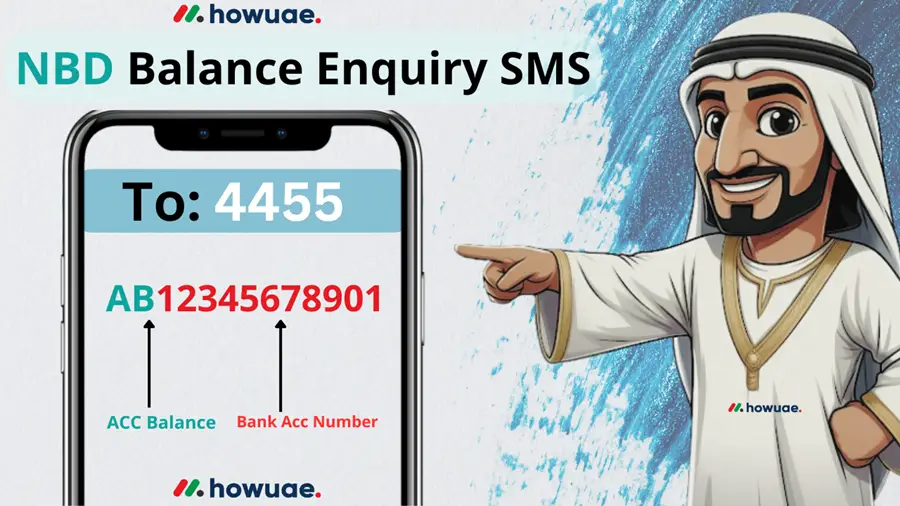
Troubleshooting SMS Banking: If you don’t receive a response, double-check that you’re using the correct format and sending the SMS from your registered mobile number. Contact NBD customer service if you continue to experience issues.
Checking Your NBD Bank Balance WhatsApp Chat
NBD also offers balance checks through chat banking on WhatsApp, providing an interactive and convenient experience:
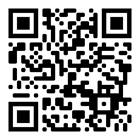
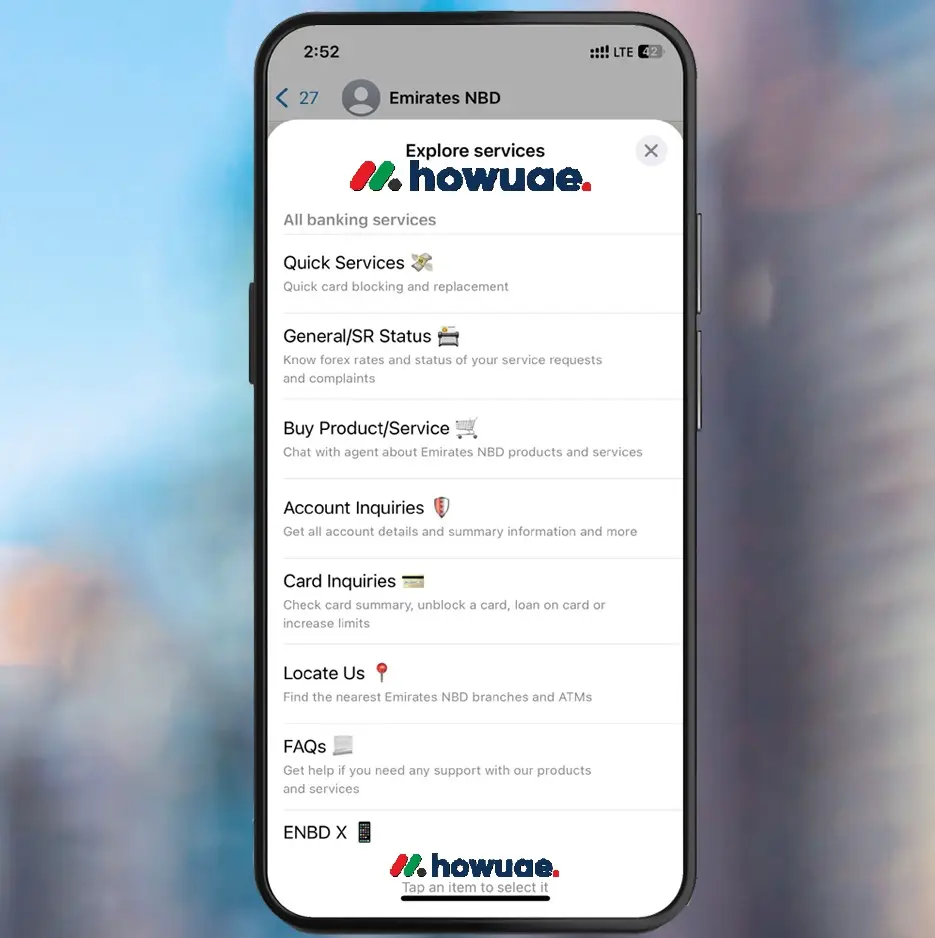
- Start Chat: Scan the QR code for WhatsApp banking or send a “Hi” message to +971 600 540000 on WhatsApp
- Select Menu: Choose “Explore services,” then “Account inquiries,” then “My account details.” Select “Account Transactions.”
- Choose Account: Select the account you want to view.
- View Transactions: You will see your last 5 transactions. You can also request transactions for the last 3 or 6 months or custom dates.
- Statement (Optional): For a statement, you will receive a password protected PDF. The password is the first 4 letters of your name (in CAPS) followed by the last 7 digits of your registered mobile number.
NBD Balance Enquiry Through Mobile Banking
The NBD mobile banking app provides a convenient way to manage your finances, including checking your NBD bank account balance:
- Download the App: Download and install the Emirates NBD mobile banking app on your smartphone.
- Register/Login: Complete the registration process or log in with your existing credentials.
- Check Balance on Homepage: Your last five transactions and current balance will be visible directly on the home screen.
- “My Finances” Method: Tap the menu (three horizontal lines), select “My Finances,” choose your account type (Current or Savings), and then tap “Statement.”
- “Products” Method: From the home screen, select your account. Scroll down to find your latest transactions. Tap “View All” for a complete transaction history.
Benefits of Mobile Banking: The app offers real-time balance updates, transaction history, and other account management features, all in the palm of your hand.
Also Know: FAB Balance Check| Ratibi Card Salary Check|
NBD Balance Enquiry At an ATM
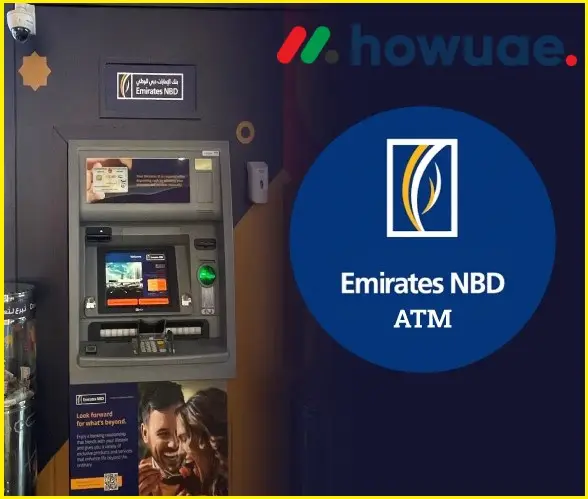
Checking your NBD bank balance at an ATM is a quick and easy option:
NBD Balance Enquiry Contact Information
If you prefer to speak with someone directly, you can contact NBD customer service:
- Phone Number: Call +971 600 540000.
- Information Needed: Be ready to provide your account details and other verification information.
You can also explore other ways to contact NBD customer service, such as email or online chat, through their official website.
Conclusion
Keep track of your NBD balance and be in control of your finances. NBD has many ways to suit your needs. Whether you prefer the speed of NBD SMS banking, the interactive experience of chat/WhatsApp, the full access of NBD internet banking or the on-the-go convenience of NBD mobile banking balance check, you can be updated with your finances. This article has provided you the steps for each. So, take care of yourself today!
Which method will you use to check your nbd balance 2026?